Holiday Calendars
Overview
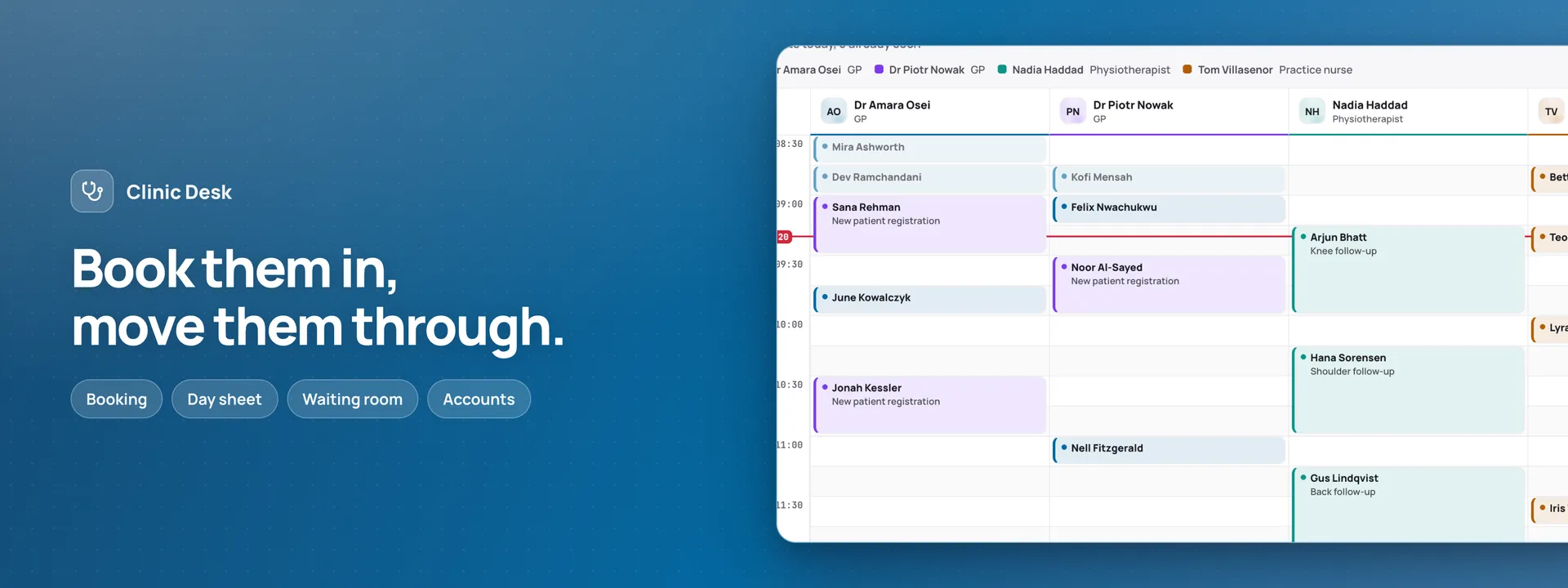
Curated public-holiday day-sets, shipped as data inside the add-on itself. In its panel you pick a country and a year — the United States, Germany, France with its Alsace-Moselle set, Czechia and Denmark, for 2026 and 2027, every set read through by a person against the statute it came from — look at the named days, and import them. Countries whose holidays are announced year by year by decree are named in the picker with the reason, rather than silently missing. What it hands the host is one ordered list of non-working days, for People Ops to count against leave and for Clinic Desk to file as closure days — and neither app reaches into the add-on’s own storage. An import that lands on a day somebody typed by hand is refused with both names shown; importing a year again changes nothing and never touches a day the business entered itself. Each holiday keeps the name its own country gives it, untranslated on purpose. Nothing is fetched and there is no account: the whole of the data is in the bundle already loaded.
What it attaches to
An add-on extends an app you already run, and is never deployed on its own. This one attaches to:
What connecting lets it do
Switched on, it reads no record of yours and writes none — the days it holds live in its own settings, where the host app reads them. It reaches nothing outside your installation, and nothing is ever fetched: there is no key to keep and nothing to sign in to.
Addresses its server code may reach
None. It reaches nothing outside your own installation.
What it needs to connect
Nothing to connect
What it adds
Where it appears 1
- Its own panel under Add-ons in the dashboard settings
Tables it brings 0
None — it brings no tables of its own.
Settings you configure 1
- Days the business is closed
If you switch it off
Disconnecting removes an add-on’s surfaces. It never drops the tables it created, deletes the files it wrote, or removes the rows it added — everything it wrote stays in your database.
What stays
Your workspace data is untouched — it brought no tables and never wrote a row of yours. The days it held stay in its own settings, ready if you switch it back on.
What goes
Its panel leaves the add-on settings, picker and all. Nothing else was ever drawn, so nothing else changes.
About the demo
This one calls no outside service at all — in the demo or self-hosted — so it has no stand-in transport, and there is nothing to switch off. The add-ons that do reach out ship one and it is on by default, so no demo on this site makes a real call to anyone else’s service.
How to switch it on In your own workspace, open Add-ons in the settings and switch Holiday Calendars on — its panel appears right there, with the picker, the preview and the import.