Client Portal
 Open live demo →
 Screens
Overview
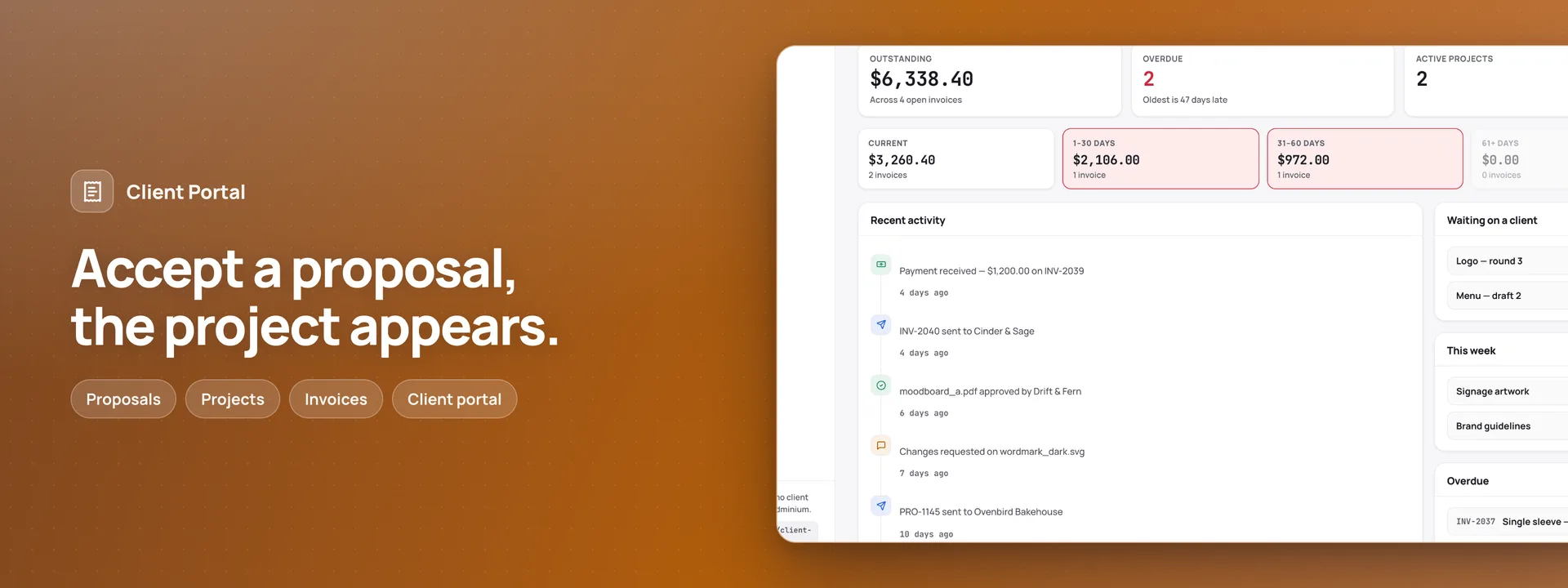
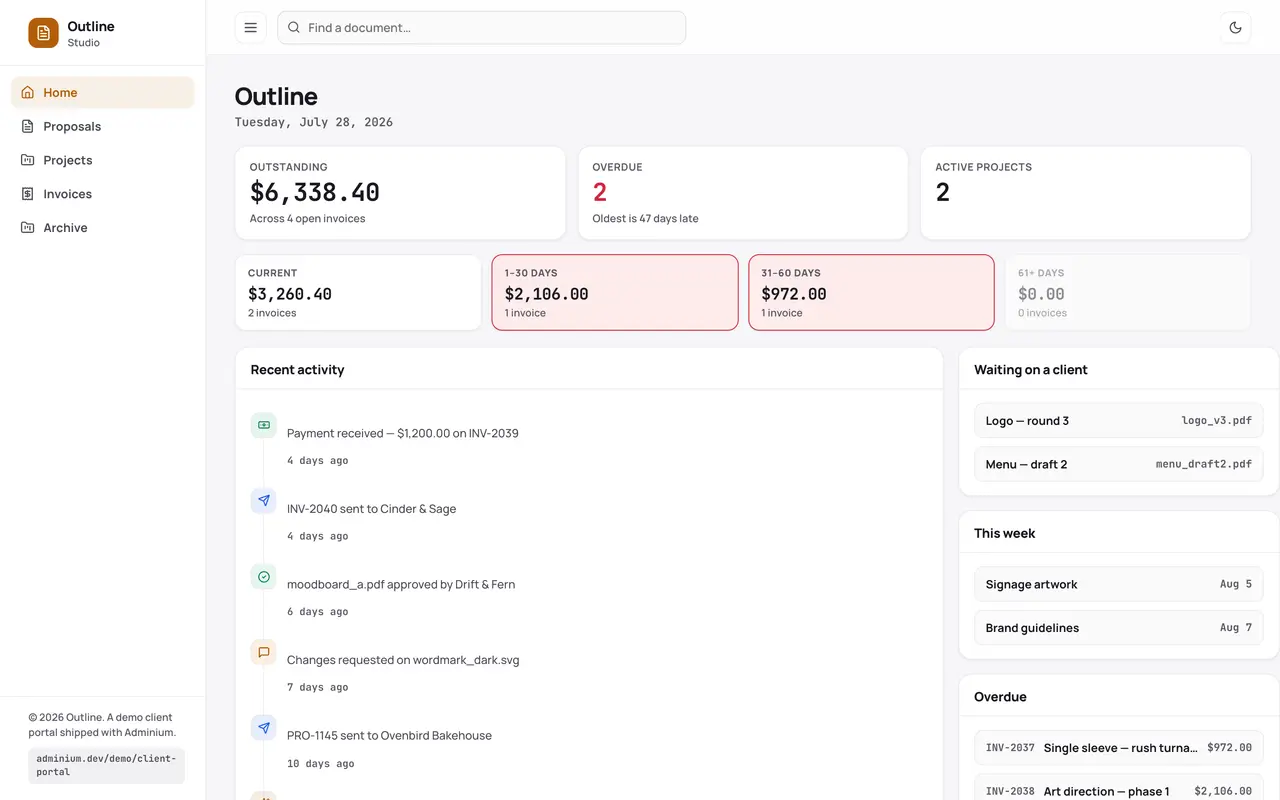
A studio’s desk and a portal for its clients, on your own database. The studio works at the desk, on its own address: enquiries, proposals written line by line, projects with their milestones and deliverables, clients, invoices and the reminders that follow them. Each client gets a portal that shows only their own proposals, projects, files, invoices and receipts. They sign in with a link emailed to them, which works once and for twenty minutes, with a six-digit code in the same email for another device. A client accepts a proposal by typing their name, and the proposal keeps that name, the version of the terms and a fingerprint of exactly what was agreed; the studio then starts the project, and the first stage’s invoice is drafted. Work is shared for review one version at a time, and the client approves it or asks for changes, with notes that can be pinned to the file. At the end, a handover page carries the files and the fonts behind a link that expires and can be stopped. Invoices are numbered without gaps when they are made, cannot change once sent, and are voided rather than deleted, keeping their number. The portal records payments and never takes one: the client sees how to pay and can say they have sent it, and the studio records it with a receipt. Three reminders wait beside every sent invoice, and none goes out until someone at the studio approves it. Behind the desk sits a back office: time logged by hand or by a running clock that Adminium keeps, expenses and suppliers, a scoping worksheet priced from the rate card, the month’s schedule and capacity, six months of money, an archive by year, and every email as it will look in each language. Time and purchases reach the client’s draft invoice once. A public enquiry form needs no sign-in, and the studio gets an email about each enquiry. The Overview, the app’s first page in your dashboard, draws what is owed, what came in and what is waiting, from your tables. The manifest creates twenty-nine tables in your connected database, nineteen pages and two roles. Needs Invoices & Receipts (installed with it).
Capabilities
- Sends email
- File storage
- Realtime
What you get
Tables it adds29
- settings
- people
- rates
- terms_versions
- terms_clauses
- brief_questions
- clients
- client_notes
- enquiries
- proposals
- proposal_lines
- projects
- project_fonts
- handover_files
- milestones
- deliverables
- deliverable_versions
- deliverable_notes
- briefs
- brief_answers
- suppliers
- expenses
- time_entries
- invoices
- invoice_lines
- payments
- messages
- running_costs
- events
Created fresh, or mapped onto your existing tables at install.
Pages your dashboard gains8
- OverviewWhat is owed and how late, what came in this month, proposals waiting on a decision, reminders to approve, work in progress and the week’s milestones.
- ClientsEach client’s company, contact, address and tax number, with a tax rate of their own where it differs, and private notes the client never sees.
- ProposalsEvery proposal with its lines, its terms version and the stages it is paid in; an accepted one keeps the typed name, when it was signed and its fingerprint.
- ProjectsActive, paused and finished projects, with their milestones, deliverables and the handover link.
- InvoicesNumbered invoices with their lines, tax, amount paid and balance; a sent invoice is locked, and one made in error is voided, never deleted.
- TimeHours logged against each project, by hand or by the desk’s running clock, which Adminium keeps and works out when it stops; they move onto the client’s draft invoice at the day rate, once.
- ExpensesPurchases at cost with their receipts and suppliers; one marked to pass on goes onto the client’s draft invoice at cost, never twice.
- EmailsEvery email the portal sends — proposals, new work, receipts and payment reminders — and the reminders waiting for someone to approve them.
Roles it pre-builds2
- studioThe desk and the Records pages: enquiries, clients, proposals, projects, deliverables, invoices, payments, time, expenses, suppliers and studio dates, and approving payment reminders. Can take a line out of a draft proposal or invoice, but cannot delete anything else, void an invoice or a payment, or change the studio settings, the terms or the running costs.
- studio-managerEverything, the Manage pages included: studio settings, people, the rate card, terms, brief questions, running costs and the add-on’s invoice settings. Voids invoices and payments, discards drafts and reopens a finished project.
Settings you configure8
- Studio name
- Studio mark
- Reply-to address
- Phone
- Website
- How we sign off
- Which client actions email the studio
- Letterhead, tax and how to pay (in Invoices & Receipts)
Run it with your own data
Client Portal needs somewhere to keep your data. Answer one question and we will show you the shortest way there.
Do you already use Adminium?
Start with an Adminium
Client Portal is installed into an Adminium, which keeps its data in your own database. So you start with an Adminium, then add Client Portal to it from there.
Start one on your own machine
npx @adminiumjs/adminium try No database needed — it asks you for one when it is ready. Once it is running, open “Hosted apps” in its Studio and install Client Portal from the online app catalogue.
Where is your Adminium?
The address you sign in to, for example https://admin.yourcompany.com
That does not look like a web address. It should start with https://
Client Portal runs inside your Adminium
Install it from your Adminium
Installing it creates the tables it needs in your database and adds its screens to your Adminium. There is nothing else to deploy.
- Open “Hosted apps” in Studio — the button below goes straight there.
- Under “Apps you can install”, the apps of adminium.dev are listed. On an Adminium installed before 0.3.16 the list may be off: press “Show what is available” there first.
- Find Client Portal and press “Install”.
- Read what it adds and press “Install” to confirm. Nothing is created until you do, and anything Client Portal needs is installed with it.
Or start from the source
Clone it and run it anywhere — the README covers every option.
View on GitHubJust looking? The live demo needs no setup at all and nothing you do in it is saved.
Open the live demo