Online Ordering
 Open live demo →
 Screens
Overview
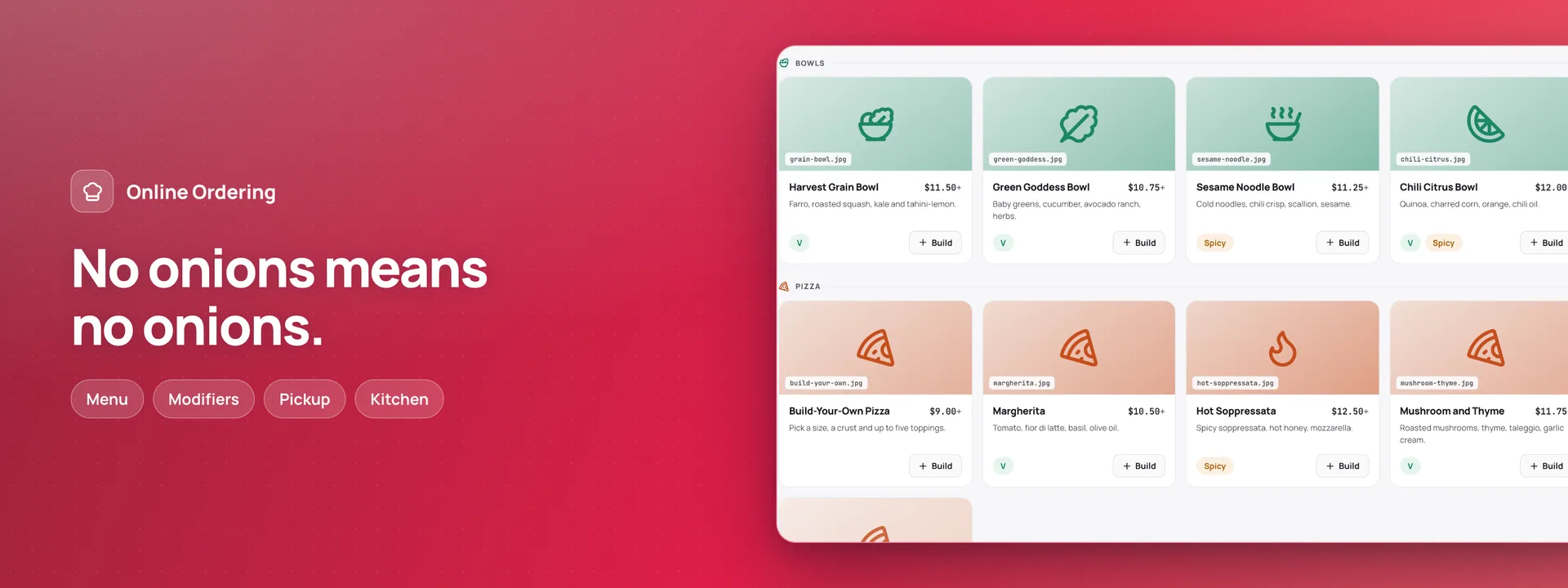
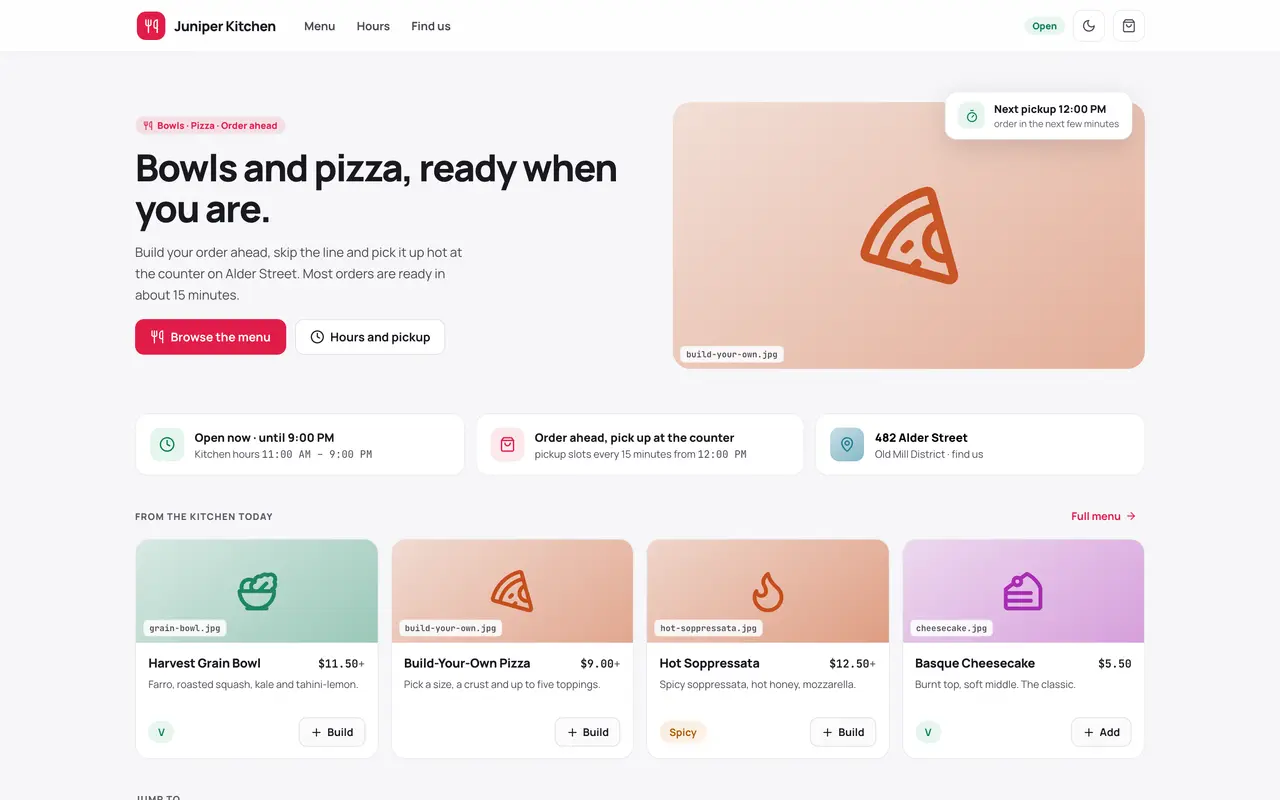
Order-ahead for a kitchen that hands the bag over at the counter. Diners build each dish against the kitchen's own option rules, pick a pickup time the kitchen can still take, see the price Adminium works out before they place the order, and pay at pickup. The kitchen works a live board on a tablet: a new order chimes, each order moves from confirmed to ready with an Undo for a mistaken tap, and a cancel always tells the diner why. Pause a pickup time, sell a dish out for today, or stop online orders for the day in a tap. Every order has a link to follow it; a diner who signs in with an emailed link sees their past orders and orders one again. Emails go out in the language the order was placed in. With Invoices & Receipts a receipt goes out at pickup; with Holiday Calendars a public holiday becomes a closure in a tap. The menu can be shared with Point of Sale. Moving from 0.1.3: this version installs fresh. Uninstall 0.1.3 first — its tables stay unless you choose to delete them — and the new app starts with a menu of its own.
Capabilities
- Realtime
- Sends email
- File storage
What you get
Tables it adds14
- settings
- menu_categories
- menu_items
- modifier_groups
- modifiers
- hours
- closures
- slot_pauses
- customers
- orders
- order_items
- order_item_modifiers
- enquiries
- messages
Created fresh, or mapped onto your existing tables at install.
Pages your dashboard gains7
- OverviewToday's orders, what was collected and what is still to collect; each pickup time with its orders; what needs you; the last 7 days by day; dishes running low; when people pick up; the dishes ordered most.
- OrdersEvery order with its lines and options, its status, its pickup time and how it was paid; the kitchen's moves are stamped with who and when.
- EnquiriesLarge orders sent from the order page, each with its reference, the number of people and the day, until someone calls back.
- DishesThe menu with its categories, option groups and options, allergens, prices, and each dish's portions for a day and whether it sells online.
- HoursThe opening hours each day's pickup times are made from, the closures, and the times paused for online orders.
- CustomersThe diners who signed in to see their orders; one who asks to be forgotten is emptied, and their orders keep only what the kitchen needs.
- MessagesEvery email the kitchen sends — confirmations, ready, cancelled with the reason, receipts and enquiry replies — and those an Undo took back.
Roles it pre-builds2
- kitchenThe kitchen tablet: the board, moving and cancelling orders with a reason, handing them over, phone orders, pausing times, and today's portions and switches. Cannot change prices, hours or settings.
- managerEverything the kitchen does, and the menu and its prices, the hours and closures, online orders on or off, the emails and every setting; takes back a mistaken hand-over.
Settings you configure8
- The kitchen's name, headline, address, directions and phone
- Photos for the order page
- Pickup time length, orders per time, notice and days ahead
- Tax rate
- Largest online order
- Taking online orders
- Ready and receipt emails
- First order number
Run it with your own data
Online Ordering needs somewhere to keep your data. Answer one question and we will show you the shortest way there.
Do you already use Adminium?
Start with an Adminium
Online Ordering is installed into an Adminium, which keeps its data in your own database. So you start with an Adminium, then add Online Ordering to it from there.
Start one on your own machine
npx @adminiumjs/adminium try No database needed — it asks you for one when it is ready. Once it is running, open “Hosted apps” in its Studio and install Online Ordering from the online app catalogue.
Where is your Adminium?
The address you sign in to, for example https://admin.yourcompany.com
That does not look like a web address. It should start with https://
Online Ordering runs inside your Adminium
Install it from your Adminium
Installing it creates the tables it needs in your database and adds its screens to your Adminium. There is nothing else to deploy.
- Open “Hosted apps” in Studio — the button below goes straight there.
- Under “Apps you can install”, the apps of adminium.dev are listed. On an Adminium installed before 0.3.16 the list may be off: press “Show what is available” there first.
- Find Online Ordering and press “Install”.
- Read what it adds and press “Install” to confirm. Nothing is created until you do, and anything Online Ordering needs is installed with it.
Or start from the source
Clone it and run it anywhere — the README covers every option.
View on GitHubJust looking? The live demo needs no setup at all and nothing you do in it is saved.
Open the live demo