Customiser
Overview
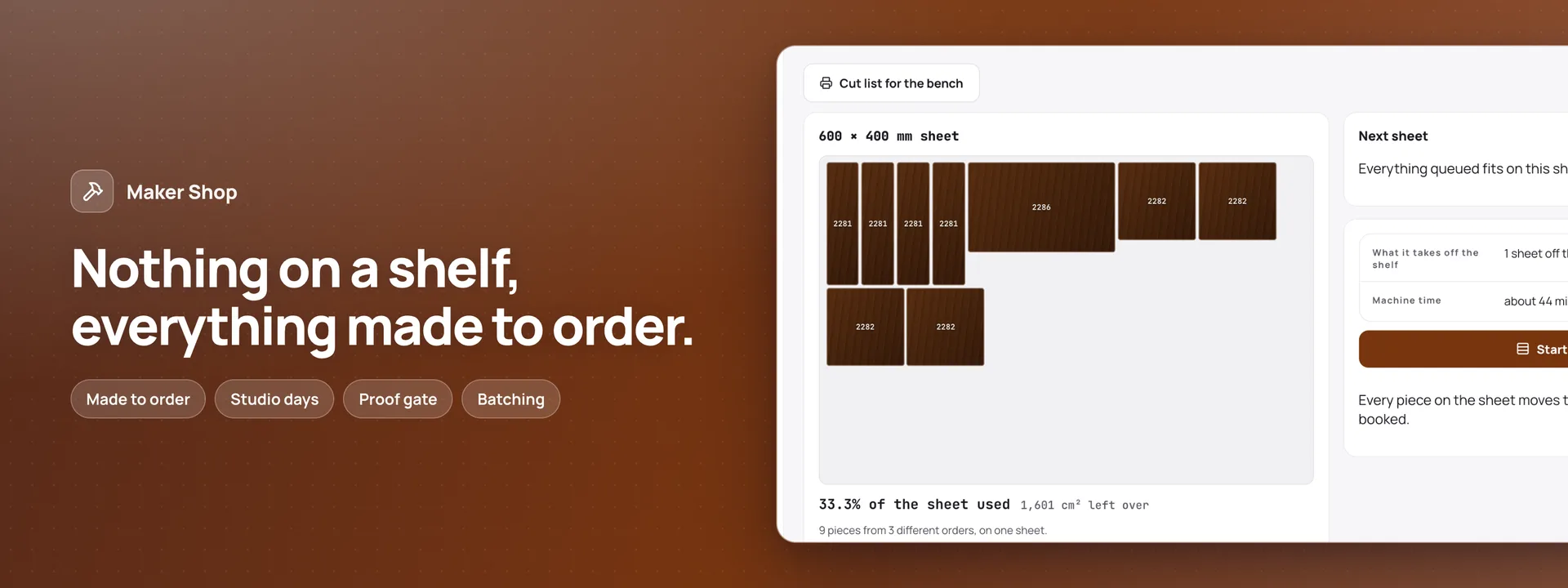
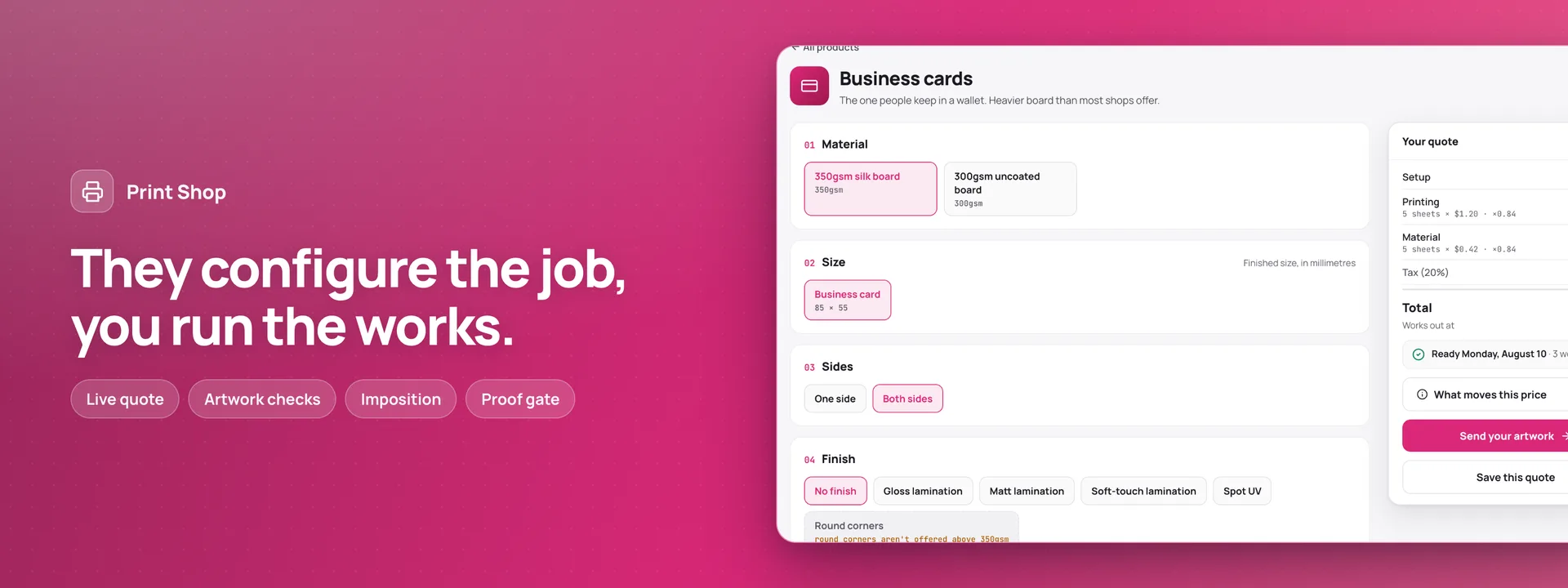
The editor behind Maker Shop and Print Shop, which both require it. A customer opens a product, chooses one of your ready-made designs or starts from a plain one, and puts in their own words, a logo or a photo, in the fonts, sizes and colours you allow. They see it as it will be made: a business card front and back with its bleed, a coaster or a sign cut from its outline at its real thickness, a book-nook kit piece by piece, or a 3D-printed keyring with raised or cut-in words. Every choice is checked as they make it — words too long, a font you do not offer, a logo too blurred to print — and checked again by Adminium when the order is placed, so a design that breaks your rules never reaches the bench. A design is kept as data, never as a picture. The order line names it, the version ordered is fixed in the same save, and the shop proofs and makes from that same data: from the order line it makes the proof and the production files in the browser — a print PDF for each side, a laser SVG for each piece with the words as outlines, a 3MF for the printer. You set up once what can be customised: the base (a page at its finished size, a flat piece from its outline, material and thickness, a kit of pieces, or a 3D model), the areas a customer may change, ready-made designs with locked and open parts, fonts (an open-licence set comes with it, and you can add your own), palettes, and features that cost more, like the customer’s own logo or engraving both sides. Each feature’s price is set in the app, as one of its options. Save and come back e-mails the customer a private link to their design. A design nobody ordered is deleted 90 days after its last change, with its files. One install can serve both apps: each app’s customers see only that app’s designs. Needs Adminium 0.3.43 or newer.
What it attaches to
An add-on extends an app you already run, and is never deployed on its own. This one attaches to:
What connecting lets it do
Switched on, it brings tables of its own for bases, ready-made designs, fonts, palettes, features and your customers’ designs with their versions and files, and its settings. A shop’s visitors read only what you publish, and may save a design behind the human check; nobody reads a saved design through the shop — it opens again only by its private link. Two roles come with it: Customiser designer sets up the shop’s side and makes proofs and files; Customiser reader reads everything and changes nothing. It sends one e-mail, the saved design’s link. It reaches nothing outside your installation: there is no key to keep and nothing to sign in to.
Addresses its server code may reach
None. It reaches nothing outside your own installation.
What it needs to connect
Nothing to connect
What it adds
Where it appears 4
- For customers: the editor on a product’s page — choose a ready-made design or start from a plain one, add words, a logo or a photo in the fonts and colours the shop allows, and see it as it will be made, turning in 3D for a piece, a kit or a 3D-printed item
- For customers: Save and come back — the design’s private link, sent to the customer by e-mail
- In Adminium: Customising set-up in the Library — bases, ready-made designs and their parts, fonts, palettes and the features that cost more
- In an app that works with it: a Customising panel on each order line, where the shop makes the proof and the production files — a print PDF for each side, a laser SVG for each piece, a 3MF for the printer
Tables it brings 15
- settings
- bases
- base_pieces
- base_areas
- ready_designs
- ready_parts
- fonts
- palettes
- palette_colours
- features
- designs
- design_versions
- version_files
- postings
- design_mails
Settings you configure 6
- Sizes shown in
- Bleed on a new page (mm)
- Safe line on a new page (mm)
- Where light becomes dark, to start with (%)
- Thinnest line the machine keeps (mm)
- Sharpness a picture needs at its printed size (dpi)
If you switch it off
Disconnecting removes an add-on’s surfaces. It never drops the tables it created, deletes the files it wrote, or removes the rows it added — everything it wrote stays in your database.
What stays
Every table it created stays in your database with its rows: bases, ready-made designs, fonts, palettes, features, and every customer’s design with its versions and production files.
What goes
Its set-up page and its panels leave the dashboard, and no product can be customised: the editor leaves the shop. Maker Shop and Print Shop take an order with a design only through it, so remove it only with them.
About the demo
This one calls no outside service at all — in the demo or self-hosted — so it has no stand-in transport, and there is nothing to switch off. The add-ons that do reach out ship one and it is on by default, so no demo on this site makes a real call to anyone else’s service.
How to switch it on The Maker Shop and Print Shop demos on this site show it: open Birch Row’s walnut coasters or Marlow Press’s business cards and make them your own. In your own Adminium (0.3.43 or newer) it is installed with either app, and its Customising set-up page appears in the Library.