Print Shop
v1.0.0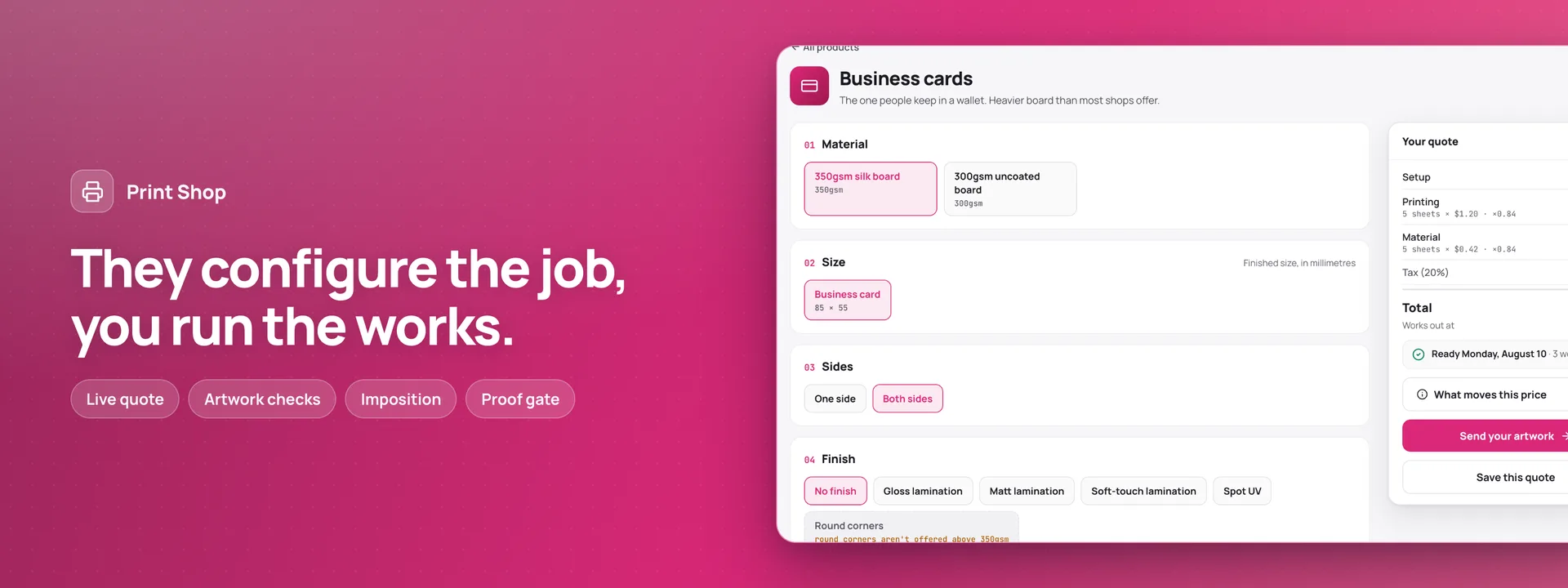 Open live demo →
 Screens
Overview
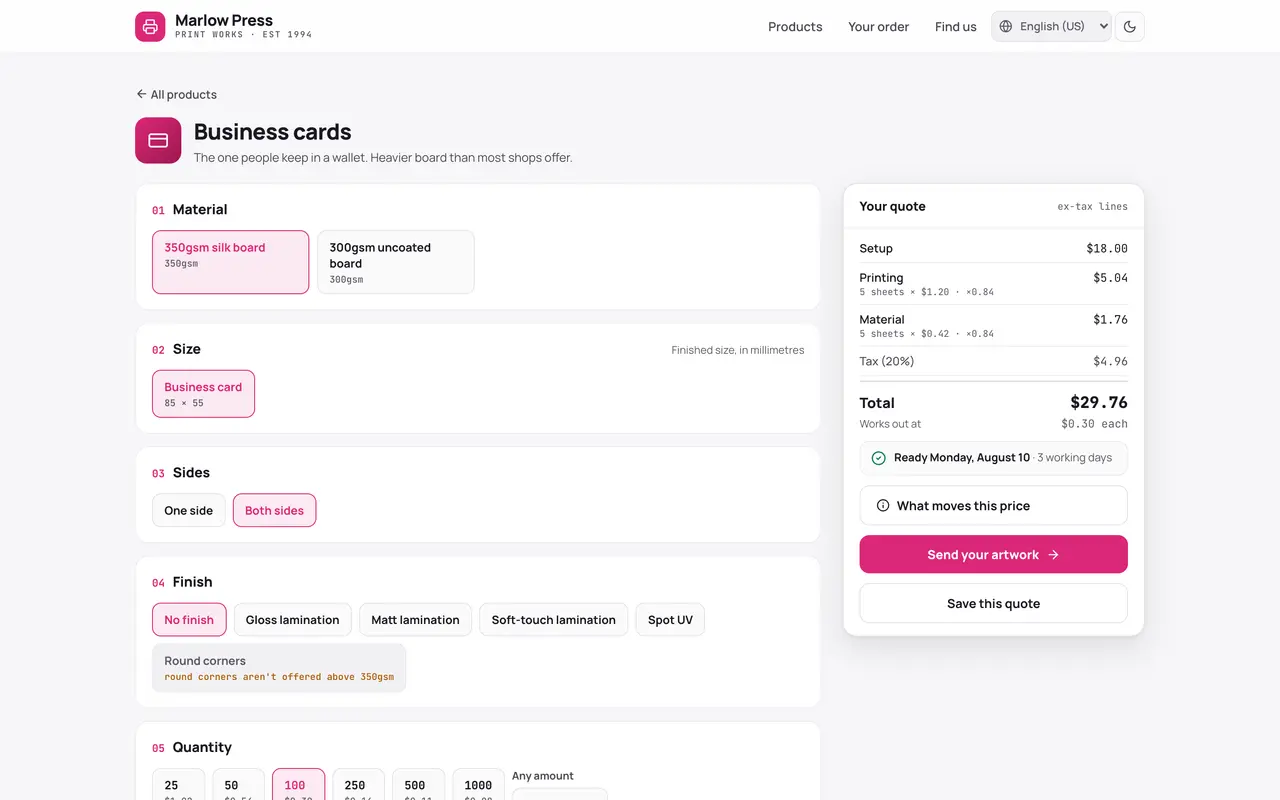
Two surfaces on one set of data, for one print works. A customer builds the job — product, material, size, sides, finish, quantity, packaging, delivery — and the quote and the ready-by date move with every choice; what the works cannot do is switched off and says why, because a dead control with no reason behind it is just a dead end. Artwork is measured as it arrives: bleed, resolution at the finished size, dimensions and page count each come back with the number behind the verdict, so a refusal can be argued with. Behind the counter the run is imposed onto press sheets, and the ticket records how many fit and which way round they turned — 500 business cards land 21 up on SRA3, so 24 sheets. Nothing leaves prepress until the proof is approved, and the refusal names what is missing. Spoilage on the floor adds sheets and moves the stock line — the one number the customer never sees. The manifest scaffolds eight tables into your connected database and generates the back office around them; the rate card, the materials and the quantity breaks are rows in there, so a works changes what it charges without touching code.
Capabilities
- Payments
- File storage
- Email receipts
- Realtime
What you get
Tables it adds9
- customers
- products
- materials
- quotes
- jobs
- artwork
- proofs
- dispatches
- stock_movements
Created fresh, or mapped onto your existing tables at install.
Pages your dashboard gains9
- JobsEvery job with its stage, its promised date and what it is waiting on.
- ProofsProofs sent, changes asked for and approvals, each against the job it belongs to.
- ArtworkEvery file received, with its measured checks and where it came from.
- DispatchWhat left the works, over the counter or by carrier, with its tracking reference.
- MaterialsSheet stock and roll media with weight, sheet cost, what is on hand and when to reorder.
- Stock movementsEvery sheet consumed, spoiled or delivered in, with the job that caused it.
- Rate cardProducts and their families, the quantity a run starts at, and whether both sides can print.
- Saved quotesQuotes a customer kept, each with the configuration behind the total.
- CustomersThe trade and walk-in accounts the works prints for.
Roles it pre-builds2
- counterQuotes, takes and follows jobs, sends proofs, and marks work collected or dispatched. No rate card and no settings.
- pressWorks the floor: moves a job through prepress, printing and finishing, records spoilage and draws material off the shelf. No customer accounts and no totals.
Settings you configure8
- Works name
- Time zone
- Currency
- Tax rate
- Job reference prefix
- Same-day cut-off
- Standard turnaround, in working days
- Express uplift
Run it with your own data
Print Shop needs somewhere to keep your data. Answer one question and we will show you the shortest way there.
Do you already use Adminium?
Set everything up together
A static host can only serve the screens. Your data needs a database, and Adminium is what turns it into an admin you can use — so the three go up together.
Deploy everything to DigitalOceanPostgres, Adminium and Print Shop, already connected.
Rather try it on your own machine first?
npx @adminiumjs/adminium try No database needed — it asks you for one when it is ready. Then come back here and pick “Yes” above.
Where is your Adminium?
The address you sign in to, for example https://admin.yourcompany.com
That does not look like a web address. It should start with https://
Where should Print Shop live?
On its own domain
A separate site with its own URL, talking back to the Adminium you just named.
Vercel hosts the screens only — your Adminium stays where it is and keeps the data. You will paste one key that lets the site read it.
Deploy to VercelVercel will ask for two values. Both are on your Adminium under Studio → Public API.
Or start from the source
Clone it and run it anywhere — the README covers every option.
View on GitHubJust looking? The live demo needs no setup at all and nothing you do in it is saved. Open the live demo