Hotel Reservations
 Open live demo →
 Screens
Overview
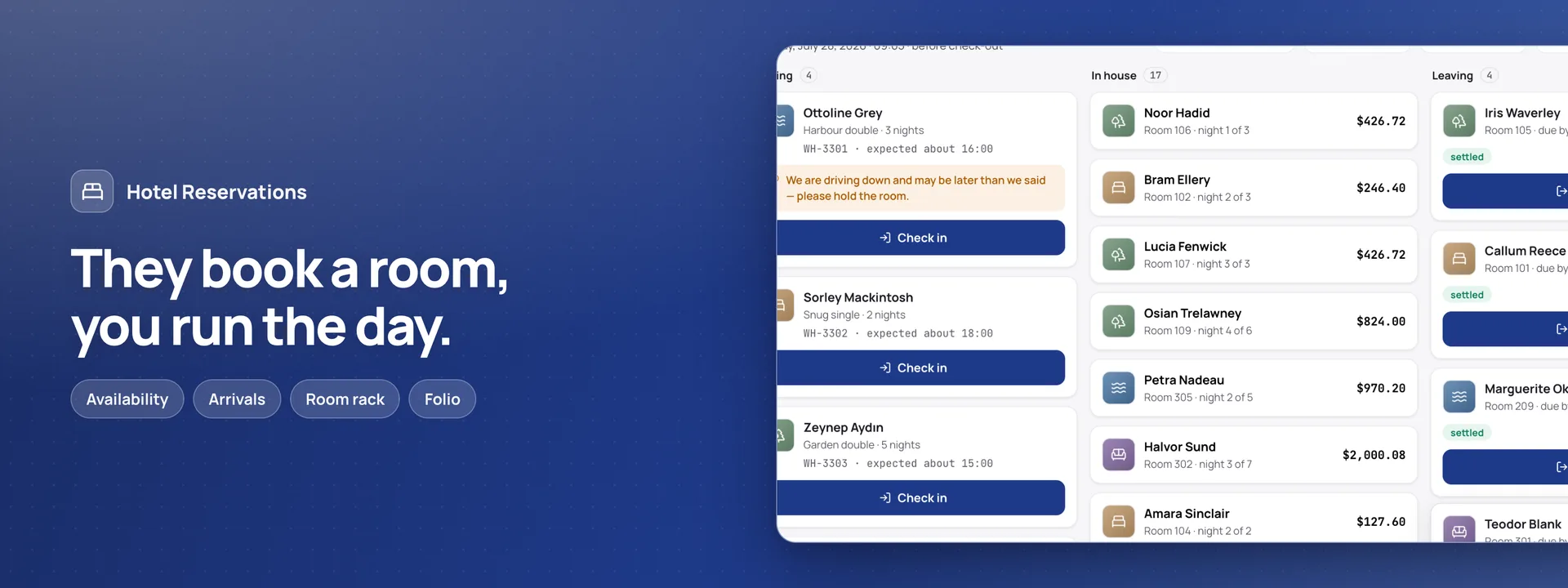
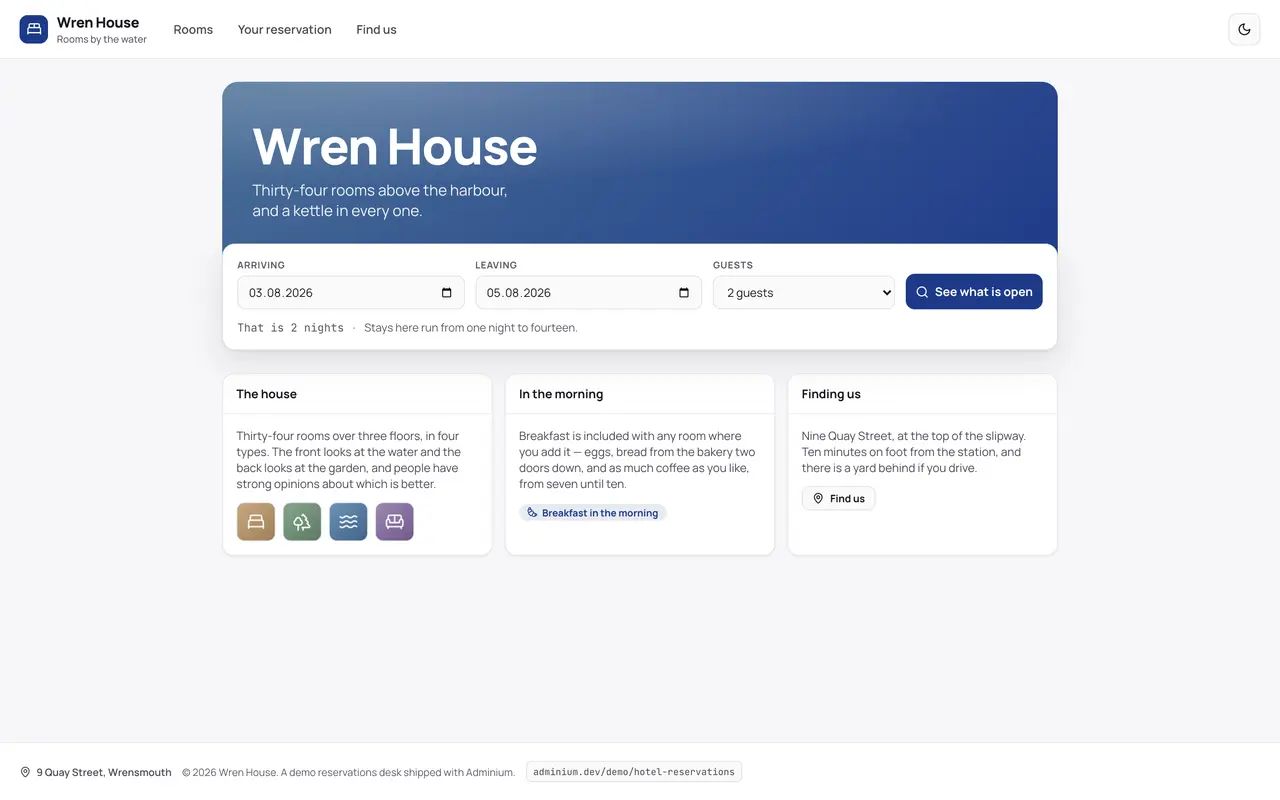
A guest site and a front desk for one independent hotel in one building, on your own database. Guests search dates and see only the room types open on every night of the stay, each night at its own rate, adding up to the total beside it. They reserve a room type, not a room number, and get a confirmation in their own language with a link to their stay: they can change their arrival time, add breakfast or parking, move the dates at the price Adminium gives, or cancel — cancelling costs nothing. At the desk it is the day: who is arriving, who is in the house and who is leaving, each with what they owe. A room is given only from those ready and of the type booked; the folio lists the nights, extras, charges and payments, takes part payments, never more than is owed, and blocks a departure while anything is still owed, naming the amount. Changes made at another desk appear without a reload. Nothing is paid online and nothing is sent by text message; housekeeping is a room's status and nothing more, and stays run one night to fourteen. With Invoices & Receipts, the desk prints the folio and emails it at check-out. Coming from 0.1.x? 0.2.0 is a different app on new tables: uninstall 0.1.x first (its tables stay unless you choose to drop them), then install 0.2.0. Nothing is carried over.
Capabilities
- Sends email
- Realtime
What you get
Tables it adds16
- settings
- house_notes
- room_types
- room_type_features
- rooms
- room_closures
- rate_rules
- extras
- charge_items
- customers
- stays
- stay_extras
- charges
- stay_credits
- payments
- messages
Created fresh, or mapped onto your existing tables at install.
Pages your dashboard gains6
- OverviewOccupancy and room income tonight, arrivals still to come, who is leaving with money owing, and the rooms out of service.
- TodayWho is arriving, who is in the house and who is leaving, each with what they owe — check-in and check-out one tap away.
- Room rackEvery room by floor: ready, occupied, being cleaned or out of service, and who is in it.
- CalendarA fortnight of nights by room type, showing how much of each is taken.
- ReservationsThe book, searchable, from a stay still to come to a guest who has left.
- FolioA stay's nights, extras, charges and payments, and what is still to settle.
Roles it pre-builds3
- front-deskRuns the day: reserves and changes stays, checks guests in and out, gives out and moves rooms, adds charges and records payments. No voids, no rates and no settings.
- housekeepingThe room rack only: marks rooms ready or being cleaned, sees which are arriving and leaving today, and reads no names or money.
- managerEverything the desk does, plus voids, the rates, room types and closures, the settings and the dashboard.
Settings you configure8
- Hotel name
- Tax rate
- Rooms ready from
- Rooms to be left by
- Days' notice to cancel
- Longest stay (nights)
- Reservation reference prefix
- Send guests emails
Run it with your own data
Hotel Reservations needs somewhere to keep your data. Answer one question and we will show you the shortest way there.
Do you already use Adminium?
Start with an Adminium
Hotel Reservations is installed into an Adminium, which keeps its data in your own database. So you start with an Adminium, then add Hotel Reservations to it from there.
Start one on your own machine
npx @adminiumjs/adminium try No database needed — it asks you for one when it is ready. Once it is running, open “Hosted apps” in its Studio and install Hotel Reservations from the online app catalogue.
Where is your Adminium?
The address you sign in to, for example https://admin.yourcompany.com
That does not look like a web address. It should start with https://
Hotel Reservations runs inside your Adminium
Install it from your Adminium
Installing it creates the tables it needs in your database and adds its screens to your Adminium. There is nothing else to deploy.
- Open “Hosted apps” in Studio — the button below goes straight there.
- Under “Apps you can install”, the apps of adminium.dev are listed. On an Adminium installed before 0.3.16 the list may be off: press “Show what is available” there first.
- Find Hotel Reservations and press “Install”.
- Read what it adds and press “Install” to confirm. Nothing is created until you do, and anything Hotel Reservations needs is installed with it.
Or start from the source
Clone it and run it anywhere — the README covers every option.
View on GitHubJust looking? The live demo needs no setup at all and nothing you do in it is saved.
Open the live demo