Event Ticketing
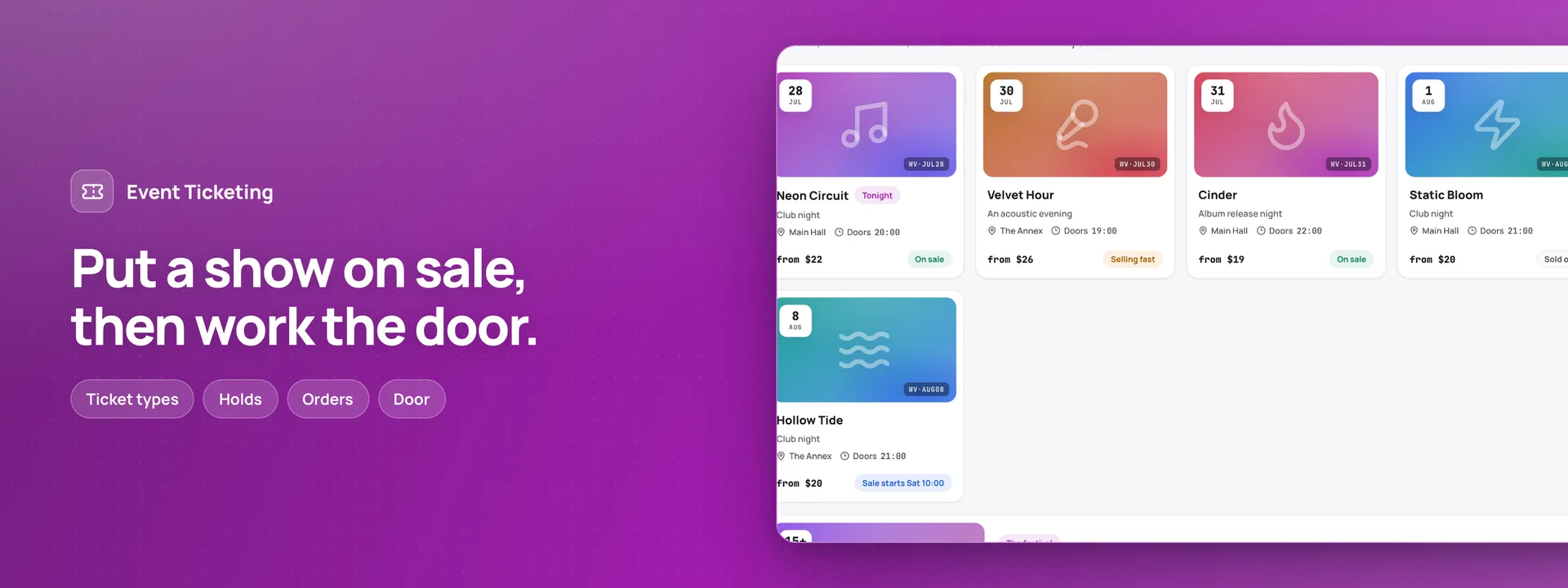 Open live demo →
 Screens
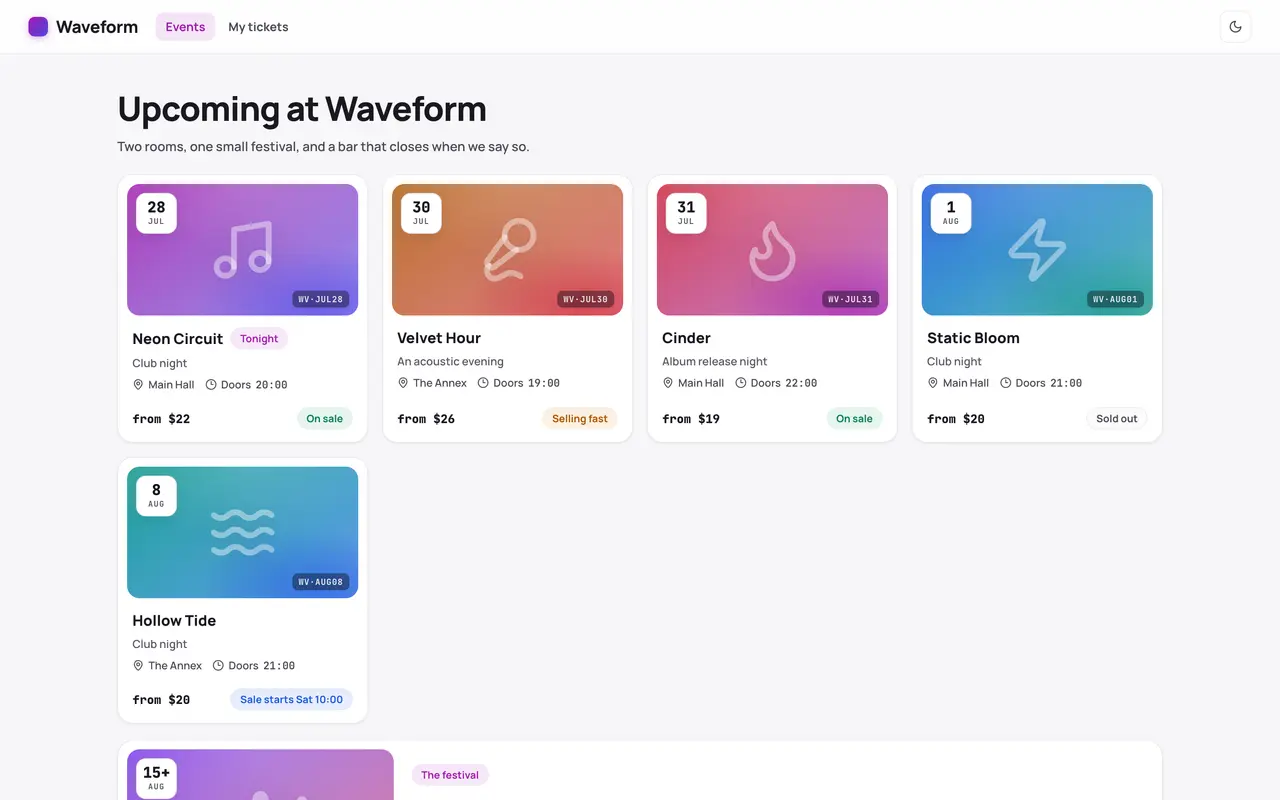
Overview
A box office, a door and an audience site for one independent venue and its rooms. People browse the coming shows, choose general-admission tickets by ticket type, and see the total Adminium works out before they order; a checkout holds its tickets for a few minutes, so the last place in a room is sold once. They pay at the door, by bank transfer before a deadline, or take a place at no charge when the show costs nothing — nothing is paid online and nothing is sent by text message. Every order has its own link; a buyer who signs in with an emailed code sees all their tickets, sends one on to a friend (the friend gets a new code and the old one stops working), claims a returned place from the waitlist or asks for a refund. The box office runs the shows, their days and ticket types, codes and presales, orders and their money, transfers to mark paid, refunds in two steps, guest lists, waitlists, a message to everyone going, and postponing or cancelling a show with every buyer told why. At the door a phone scans each code: one code scanned on two phones lets one person in, a festival pass lets its holder in once a day, and what is owed is taken in cash or by card. Emails go in the language the order was placed in. With Invoices & Receipts, an order paid in full gets its receipt. Moving from 0.1.3: this version installs fresh. Uninstall 0.1.3 first — its tables stay unless you choose to delete them — and the new app starts on tables of its own.
Capabilities
- Realtime
- Sends email
What you get
Tables it adds21
- settings
- rooms
- events
- event_days
- acts
- ticket_types
- codes
- customers
- questions
- orders
- tickets
- check_ins
- door_collections
- payments
- refunds
- guest_list
- waitlist
- reminders
- broadcasts
- messages
- devices
Created fresh, or mapped onto your existing tables at install.
Pages your dashboard gains8
- OverviewTickets sold for coming shows, what is owed at the door, what awaits a transfer and the refunds to make; tonight's show and its door; what needs you; the coming shows and the money by show.
- ShowsEvery show with its room, days, age, ticket types and status.
- OrdersEvery order with its tickets, how it is paid, what is owed and what was paid back.
- TicketsEvery ticket with its holder, its code's state and whether it has been used.
- Check-insWho came in, when, through which door and on which phone.
- RefundsRefunds asked for, agreed and paid back, each with its amount.
- WaitlistsThe people waiting for a sold-out show, in order, and the places offered to them.
- MessagesEvery email the venue sends — tickets, transfers, reminders, changes to a show — and those still waiting.
Roles it pre-builds2
- box-officeRuns the venue: shows, ticket types, codes, orders and their money, refunds, guest lists, waitlists, messages and the settings.
- doorThe door's screen only: scans codes, lets people in once, takes what is owed at the door and sells at the door. No refunds, no settings.
Settings you configure10
- The venue's name, address, contact and words for the audience
- When the venue's day starts
- Pay at the door and bank transfer, with the account
- Days to pay by transfer, the time due and the last days before a show
- How long a checkout, a waitlist offer and a friend's ticket are held
- When refunds close and when money goes back
- When check-in opens
- Sign in, waitlists, sending to a friend, codes, timetables and checkout questions
- Reminders and "See you tonight"
- First order number
Run it with your own data
Event Ticketing needs somewhere to keep your data. Answer one question and we will show you the shortest way there.
Do you already use Adminium?
Start with an Adminium
Event Ticketing is installed into an Adminium, which keeps its data in your own database. So you start with an Adminium, then add Event Ticketing to it from there.
Start one on your own machine
npx @adminiumjs/adminium try No database needed — it asks you for one when it is ready. Once it is running, open “Hosted apps” in its Studio and install Event Ticketing from the online app catalogue.
Where is your Adminium?
The address you sign in to, for example https://admin.yourcompany.com
That does not look like a web address. It should start with https://
Event Ticketing runs inside your Adminium
Install it from your Adminium
Installing it creates the tables it needs in your database and adds its screens to your Adminium. There is nothing else to deploy.
- Open “Hosted apps” in Studio — the button below goes straight there.
- Under “Apps you can install”, the apps of adminium.dev are listed. On an Adminium installed before 0.3.16 the list may be off: press “Show what is available” there first.
- Find Event Ticketing and press “Install”.
- Read what it adds and press “Install” to confirm. Nothing is created until you do, and anything Event Ticketing needs is installed with it.
Or start from the source
Clone it and run it anywhere — the README covers every option.
View on GitHubJust looking? The live demo needs no setup at all and nothing you do in it is saved.
Open the live demo