Learning Platform
v1.0.0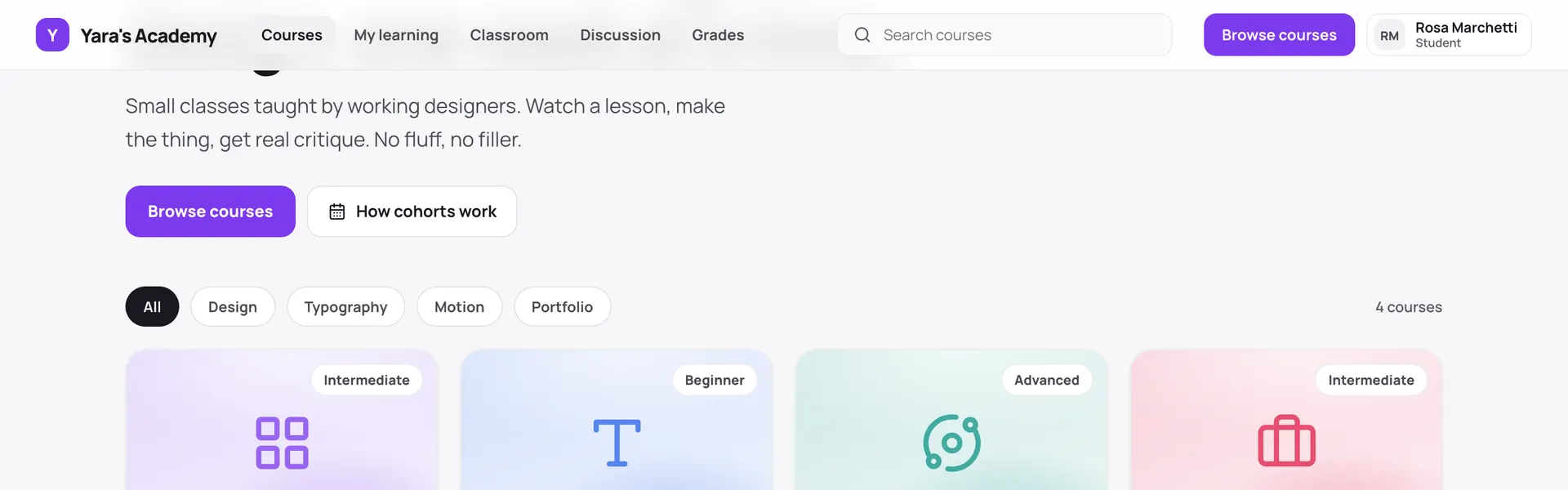 Open live demo →
 Screens
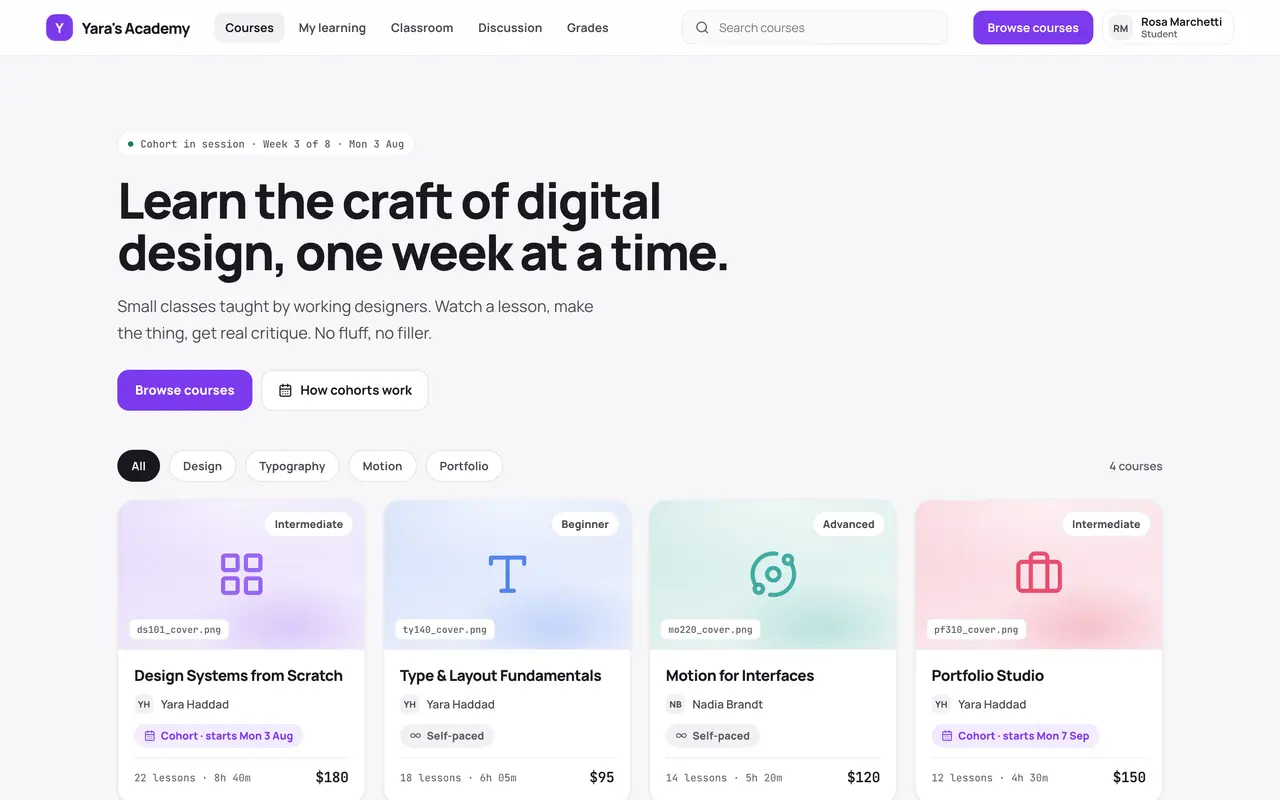
Overview
Sell and run courses, self-paced or as dated cohorts whose content unlocks week by week. Students browse the catalogue, enroll, work through lessons, hand in assignments, sit exams and ask questions in the lesson they are stuck on; instructors structure the curriculum, decide when each lesson opens, grade submissions with written feedback and answer those questions. The manifest scaffolds seventeen tables — courses, modules, lessons, cohorts, enrollments, submissions, exams and the rest — into your connected database and generates the back office around them: records, revenue and engagement reporting, exam authoring, and the student directory. The app you deploy is the classroom; the dashboard Adminium builds is the office behind it, from the same data.
Capabilities
- Payments
- File storage
- Email receipts
- Realtime
What you get
Tables it adds17
- courses
- modules
- lessons
- cohorts
- students
- instructors
- enrollments
- orders
- lesson_progress
- assignments
- submissions
- exams
- exam_questions
- exam_attempts
- announcements
- comments
- live_sessions
Created fresh, or mapped onto your existing tables at install.
Pages your dashboard gains9
- DashboardEnrollments, revenue over time, and cohort completion at a glance.
- CoursesA CRUD grid and a card gallery, with child tabs for modules and lessons.
- CohortsA calendar of live sessions and due dates beside the cohort records.
- GradingSubmissions awaiting a mark, with score, feedback and an undo.
- QuestionsStudent questions beside the thread, answered in context.
- ExamsA question builder for all four question kinds, with autosave.
- StudentsA searchable directory with each learner’s enrollments.
- MediaThe lesson and attachment library with a usage meter.
- OrdersCourse purchases with status and totals.
Roles it pre-builds2
- instructorWrite their own courses, lessons, cohorts and announcements; grade work and answer questions. No settings access.
- teaching-assistantGrade submissions and answer questions; read-only on course content, and cannot publish.
Settings you configure7
- Academy name
- Currency
- Time zone
- Default cohort capacity
- Completion certificates
- Reply-to address
- Payment provider keys
Run it with your own data
Learning Platform needs somewhere to keep your data. Answer one question and we will show you the shortest way there.
Do you already use Adminium?
Set everything up together
A static host can only serve the screens. Your data needs a database, and Adminium is what turns it into an admin you can use — so the three go up together.
Deploy everything to DigitalOceanPostgres, Adminium and Learning Platform, already connected.
Rather try it on your own machine first?
npx @adminiumjs/adminium No database needed — it asks you for one when it is ready. Then come back here and pick “Yes” above.
Where is your Adminium?
The address you sign in to, for example https://admin.yourcompany.com
That does not look like a web address. It should start with https://
Where should Learning Platform live?
On its own domain
A separate site with its own URL, talking back to the Adminium you just named.
Vercel hosts the screens only — your Adminium stays where it is and keeps the data. You will paste one key that lets the site read it.
Deploy to VercelVercel will ask for two values. Both are on your Adminium under Studio → Public API.
Or start from the source
Clone it and run it anywhere — the README covers every option.
View on GitHubJust looking? The live demo needs no setup at all and nothing you do in it is saved. Open the live demo