People Ops
v1.0.0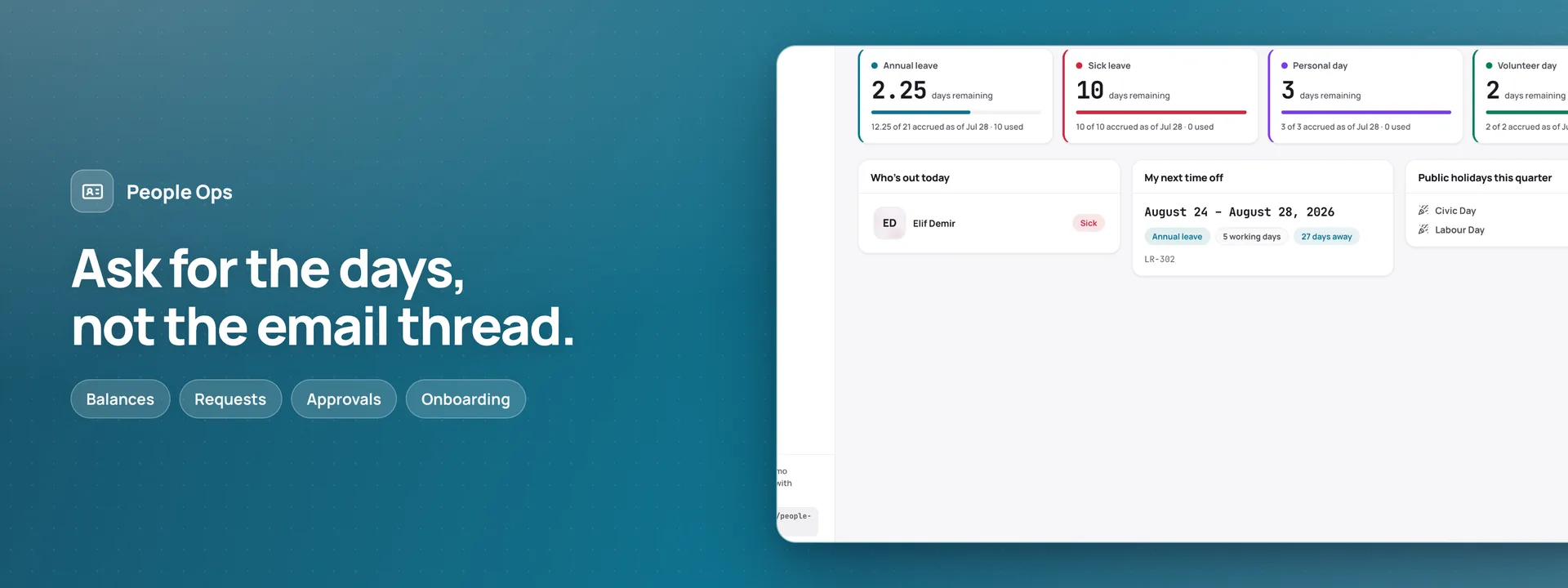 Open live demo →
 Screens
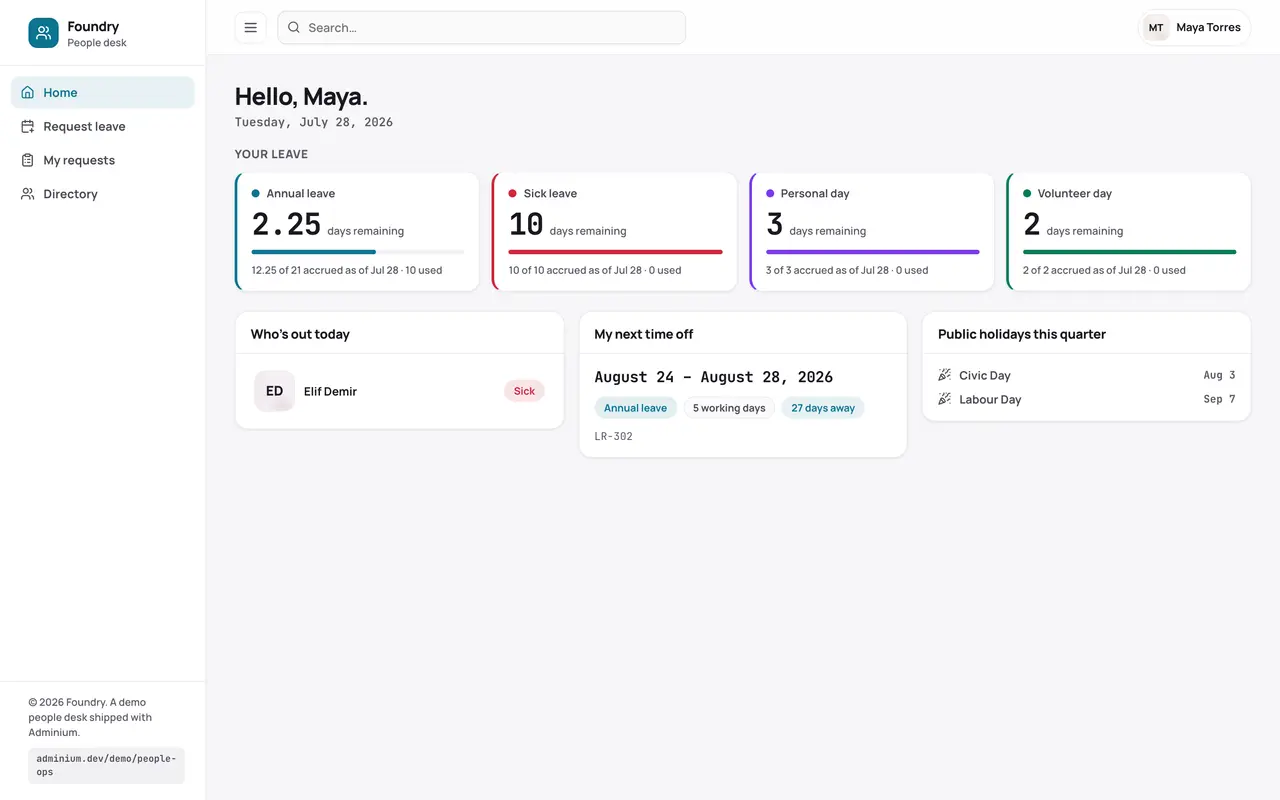
Overview
Two surfaces on one set of data. Someone checks a balance and asks for time off in a form that counts the working days as the dates are picked — weekends and dated public holidays skipped — and shows who has to sign before anything is sent; the people desk works the approvals inbox, the team calendar of who is out, and the onboarding checklists for everyone starting. The manifest scaffolds the people, position, leave-type, request, holiday and onboarding tables into your connected database and generates the record-keeping and reporting around them — the app is the desk your team works in, the dashboard is the office behind it. The scope is leave, people and onboarding.
Capabilities
- Email receipts
- File storage
What you get
Tables it adds8
- departments
- positions
- employees
- leave_types
- leave_requests
- holidays
- onboarding_templates
- onboarding_tasks
Created fresh, or mapped onto your existing tables at install.
Pages your dashboard gains6
- People dashboardHeadcount, who is out today, and what is waiting on a decision.
- PeopleA searchable directory with each person’s requests, reports and onboarding.
- ApprovalsStatus tabs beside a request detail, approved or rejected with a note and an undo.
- Team calendarA month view of who is away, with the dated public holidays alongside.
- OnboardingChecklist templates and the tasks stamped from them, grouped by phase.
- Leave policyLeave types with annual days and accrual, and every request of each type.
Roles it pre-builds2
- hr-managerDecide on requests, maintain the directory, the leave policy and the holiday calendar, and stamp onboarding checklists. No settings or role access.
- employeeRaise and cancel their own requests and tick off their own onboarding tasks; read the directory, the leave policy and the holiday calendar. Nothing else is writable.
Settings you configure4
- Company name
- Working week
- Second-signature threshold (working days)
- Leave year starts
Run it with your own data
People Ops needs somewhere to keep your data. Answer one question and we will show you the shortest way there.
Do you already use Adminium?
Set everything up together
A static host can only serve the screens. Your data needs a database, and Adminium is what turns it into an admin you can use — so the three go up together.
Deploy everything to DigitalOceanPostgres, Adminium and People Ops, already connected.
Rather try it on your own machine first?
npx @adminiumjs/adminium No database needed — it asks you for one when it is ready. Then come back here and pick “Yes” above.
Where is your Adminium?
The address you sign in to, for example https://admin.yourcompany.com
That does not look like a web address. It should start with https://
Where should People Ops live?
On its own domain
A separate site with its own URL, talking back to the Adminium you just named.
Vercel hosts the screens only — your Adminium stays where it is and keeps the data. You will paste one key that lets the site read it.
Deploy to VercelVercel will ask for two values. Both are on your Adminium under Studio → Public API.
Or start from the source
Clone it and run it anywhere — the README covers every option.
View on GitHubJust looking? The live demo needs no setup at all and nothing you do in it is saved. Open the live demo